
Jump links
Overview
Jump links act as persistent navigation that consists of a vertical list of anchor links. Selecting a link moves a user to content that corresponds with the link selected. A link is displayed as active when the content it links to is visible in the browser window.
Sample component

Demo
View a live version of this component and see how it can be customized.
Style
Jump links are fixed on the page and follow a user as they scroll. It moves them to a section of content when the corresponding link is selected. It looks visually similar to Open tabs, the only difference is the uppercase label on top.
Theme


Label
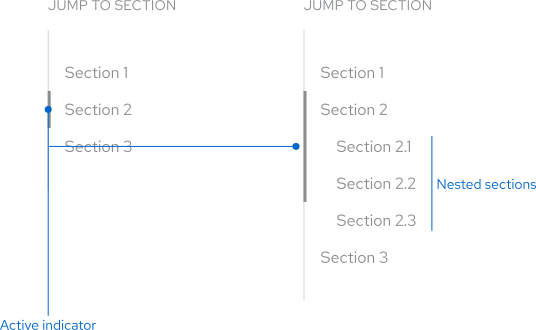
Jump links display a label at the top indicating there are section links that a user can select. This label isn’t interactive.
Section links
Jump links feature links that float to the right of an anchor line, they represent the different sections that are available to select.
Nested section links
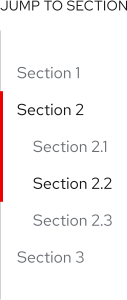
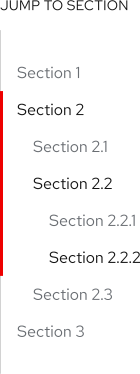
Sections that contain lots of content can be broken into nested sections for better organization and hierarchy. Nested section links are positioned under their parent section link and indented slightly. There are guidelines about how many section links can be included, but no guidelines about how many nested section links can be included.
Active indicator bar
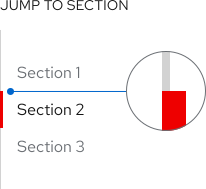
A red indicator bar highlights what the active section is. It’s positioned on top of the anchor line, not adjacent.
Usage
Content
Jump links are used to help a user navigate through large sections of content. Blocks of content that use jump links should be displayed in full and not hidden in other components, unless absolutely necessary. Sections that contain additional content can include nested sections for better organization. Nested sections shouldn’t be visible under a parent section by default, they’re displayed when a user scrolls past them or if they select the specific parent section link.
Positioning
Jump links are placed on the left edge of the grid on large screens so content can scroll freely on the right without interruption. Ensure there’s ample space between jump links and the content.

Best practices
Jump links should contain at least two section links.
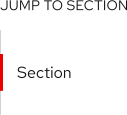
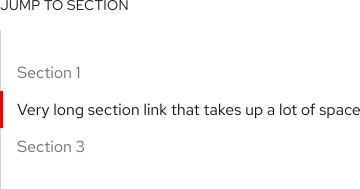
Don’t include section links that are really long, they can be customized to be shorter when added to a group of jump links.
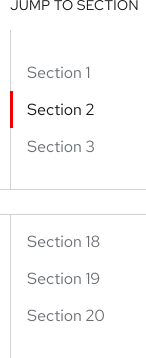
Don’t overload jump links with too many section links, but including lots of nested section links is acceptable.
Don’t nest section links within nested section links.
Behavior
Positioning
When a page loads, jump links are anchored to the top edge of content that it applies to before it becomes persistent.
Active section
When a page loads, jump links are anchored to the top edge of content that it applies to before it becomes persistent.
Selecting sections
When a user selects a section link, the content moves up or down and lands on the top edge of the section they chose. The red indicator bar highlights the active section link and the link changes color before the section comes into view.
Mobile
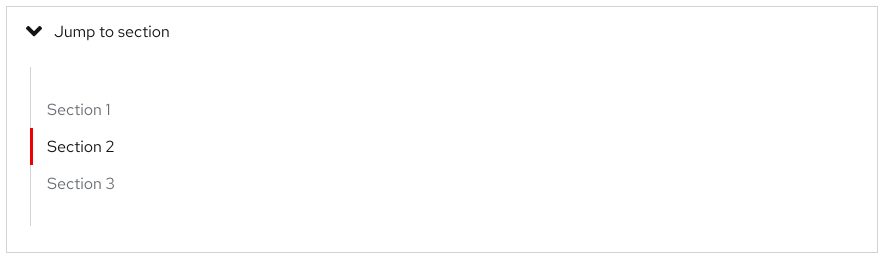
Jump links can be used on large and small screens. There’s not enough space to use jump links in a mobile layout, so it’s wrapped in a Disclosure and anchored above the content instead. It becomes persistent when a user scrolls past the top edge of the content.
Responsive design
Jump links can be used on all screen sizes.
Breakpoints
Jump links are displayed in layout on large screens, but on small screens it’s wrapped in a disclosure which is collapsed until a user expands the panel.
Desktop

On large screens, jump links are displayed in the layout
Tablet
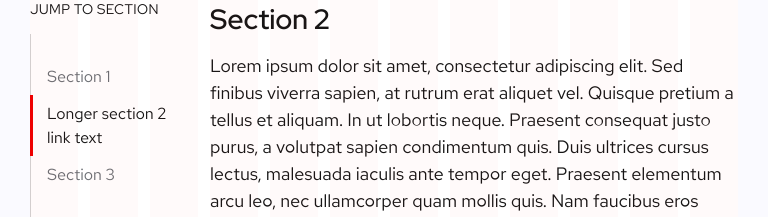
Section links reduce in width as breakpoints get smaller
Mobile
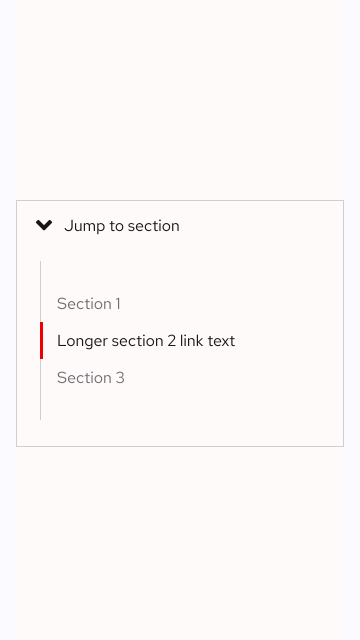
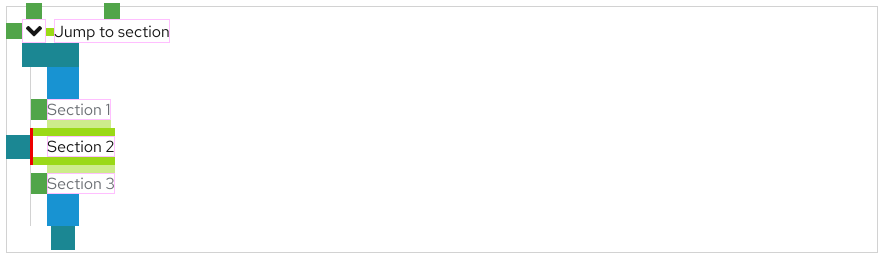
On small screens, jump links are wrapped in a collapsed disclosure
Interaction states
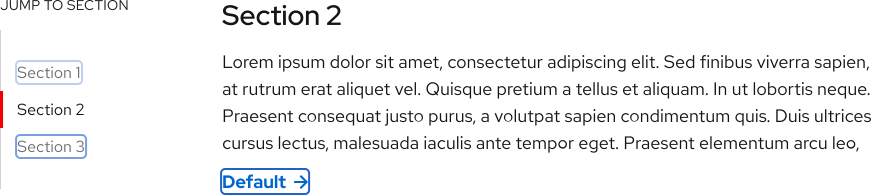
Jump links have the same interaction states as vertical Open tabs.
Jump to section
Section 1
Lorem ipsum dolor amet umami vaporware actually church-key keytar, hell of roof party unicorn helvetica williamsburg butcher woke lorem whatever squid.
Section 2
Lorem ipsum dolor amet umami vaporware actually church-key keytar, hell of roof party unicorn seitan readymade vinyl snackwave four dollar toast neutra. In ipsum blog tbh. Authentic la croix bespoke
Tab order
For accessibility, jump links are required to be focused. Any interactive elements above jump links will be focused first until jump links stick to the top edge of content. Once jump links come into view and are persistent, the first section link is focused and the tab order becomes top to bottom.
Spacing
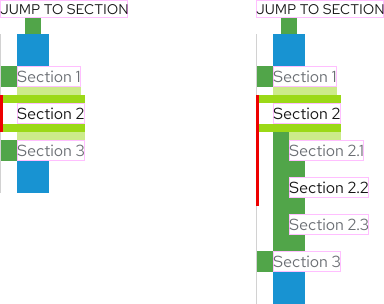
Jump links use PatternFly 4 spacers to define spacing values between elements.
Feedback
To give feedback about anything on this page, contact us.
Foundations
To learn how to use our other components in your designs, visit the Components section.
