
Components
Overview
Components are interactive building blocks of our design system. Each component was created to meet a specific UI and accessibility need. Components should be used harmoniously together in the same space to create more intuitive user interfaces and experiences.
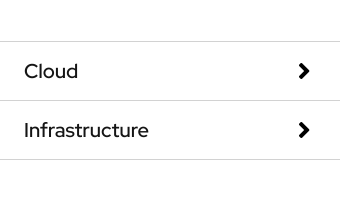
Accordion
Toggles the visibility of multiple content panels
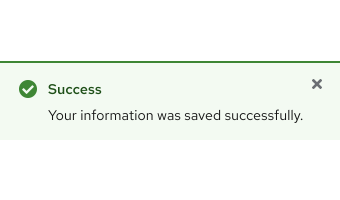
Alert
Notifies a user without blocking their workflow
Announcement
Displays an important message across web properties
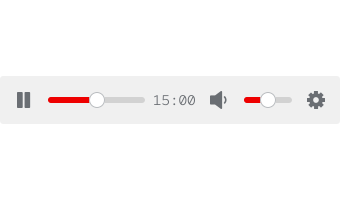
Audio player
Plays and controls audio clips in a web browser
Avatar
Replaces a photo or image not submitted by a user
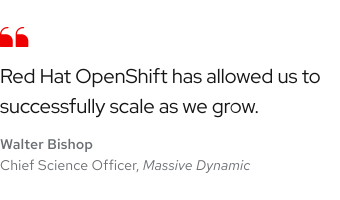
Blockquote
Styles a customer quote and includes attribution
Button
Performs an action in the background when triggered
Call to action
Directs a user to other pages or displays extra content
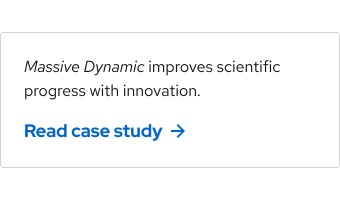
Card
Organizes content or media in various container sizes
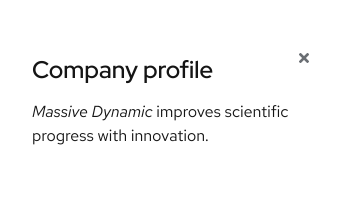
Dialog
Displays content or helps a user focus on a specific task
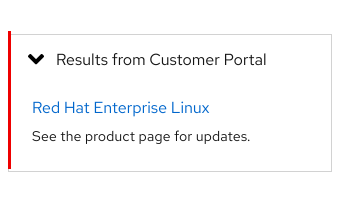
Disclosure
Toggles the visibility of only one content panel
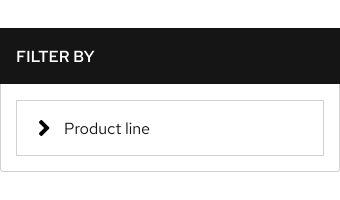
Filter
Sorts a data set by predetermined sections and tags
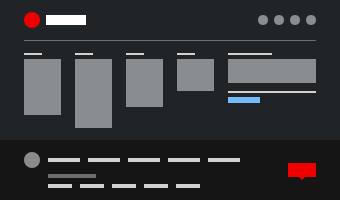
Footer
Displays secondary information at the bottom of a page
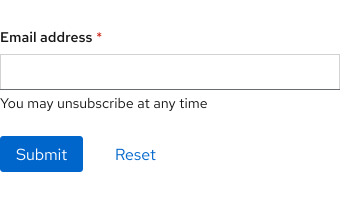
Form
Collects specific information from a user through inputs
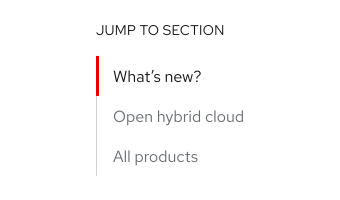
Jump links
Moves a user to specific content when a link is selected
Link
Directs a user to another domain, page, or location
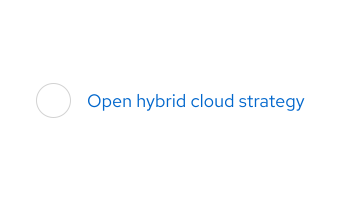
Link with icon
Adds additional context or decoration to an inline link

Navigation (primary)
Organizes content representing global web properties

Navigation (secondary)
Connects a series of pages across web properties
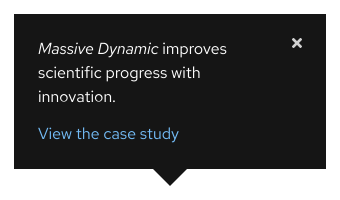
Popover
Displays a small overlay of content when triggered
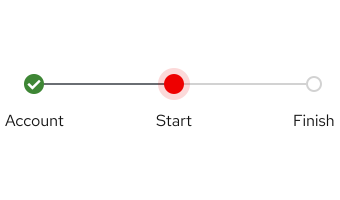
Progress steps
Guides a user through a task with sequential steps

Promo
Advertises a specific promotional message or offer
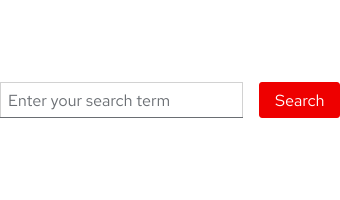
Search bar
Performs a search and displays relevant content
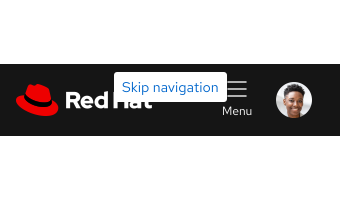
Skip navigation
Moves a user down to content by keyboard input
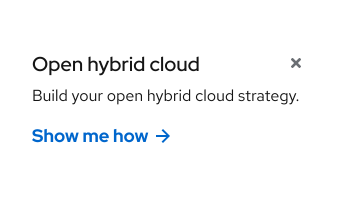
Sticky banner
Anchors an offer to the bottom edge of a page
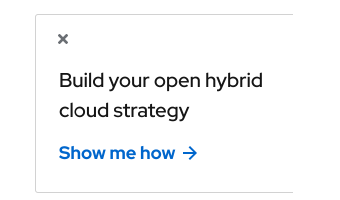
Sticky card
Anchors an offer to the right edge of a page
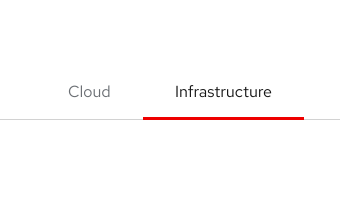
Tabs
Arranges content in a contained view on the same page
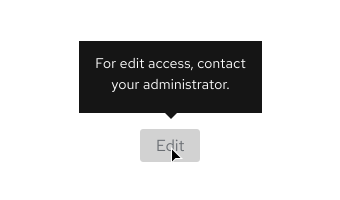
Tooltip
Toggles a small overlay of text only on hover or focus
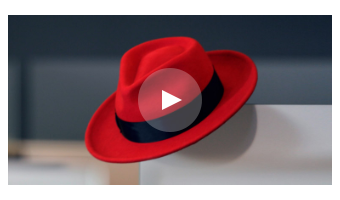
Video thumbnail
Overlays a button on an image indicating video playback
Make a request
To request a new component or if updates need to be made to an existing component, contact us.
Feedback
To give feedback about anything on this page, contact us.
Foundations
To learn how to use our foundations in your designs, visit the Foundations section.
